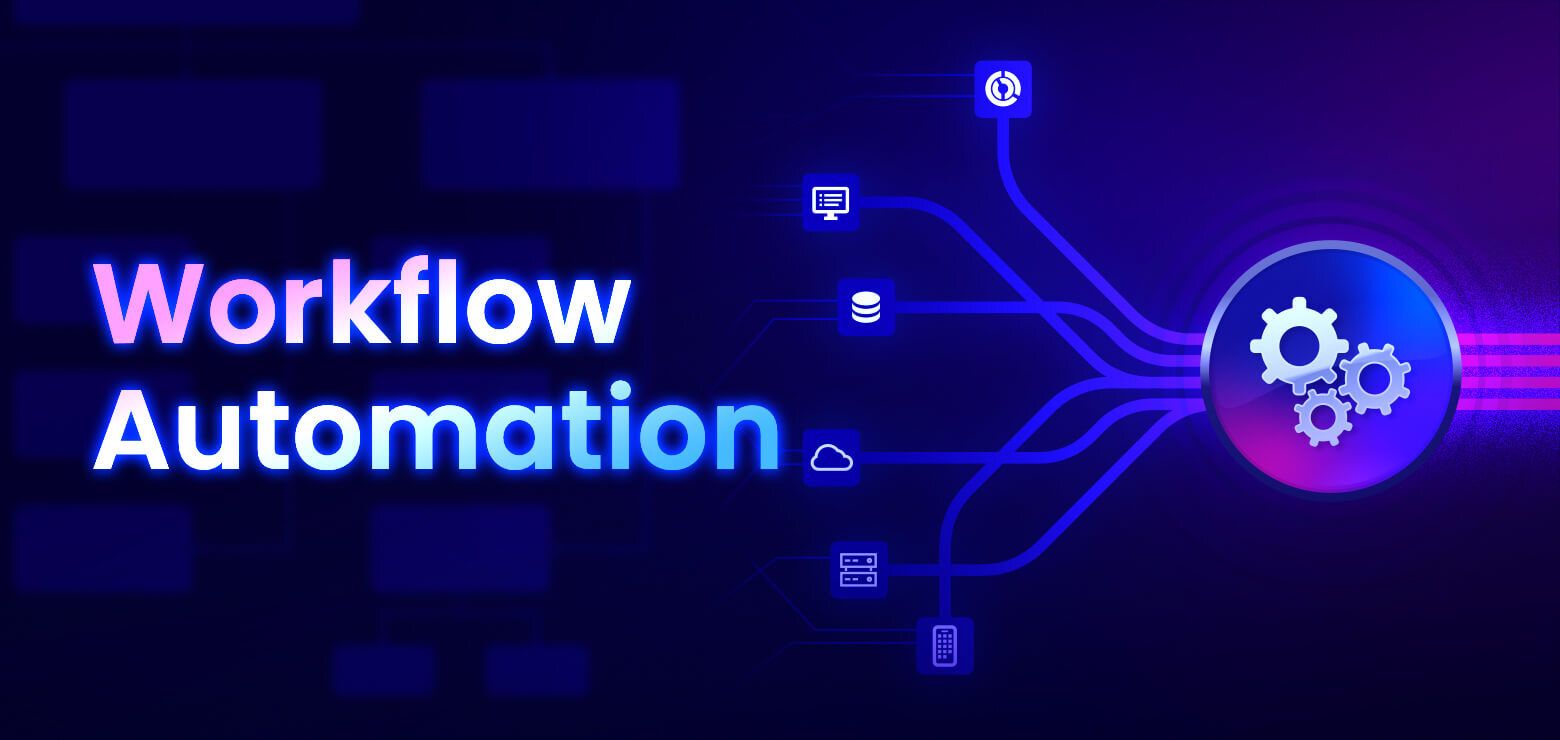
Workflow Automation Complete Guide to Smarter Business Processes and Productivity
Modern organizations handle hundreds of routine activities every day. Employees process documents, approve requests, update records, send notifications, organize projects, and communicate with colleagues.
While many of these activities are necessary, they often involve repetitive steps that consume valuable time. Workflow Automation helps organizations simplify these routine processes by allowing software to complete predefined tasks automatically.
Workflow automation does not replace human decision-making. Instead, it supports people by reducing repetitive work, improving consistency, and helping teams focus on activities that require creativity, planning, and problem-solving. Businesses of all sizes use workflow automation to organize operations, improve communication, and manage information more efficiently.
This guide explains what Workflow Automation is, how it works, its major features, common applications, benefits, challenges, and future trends.
What Is Workflow Automation?
Workflow Automation is the use of software and digital tools to complete repetitive business processes automatically according to predefined rules. Instead of manually performing the same sequence of actions every time, automated workflows guide information through each stage without unnecessary manual intervention.
Workflow automation is commonly used for:
Document approvals
Invoice processing
Employee onboarding
Customer communication
Data entry
Project management
Report generation
Inventory updates
Internal notifications
Task assignments
Organizations can adapt automated workflows to match their operational needs.
Why Workflow Automation Matters
Many business activities follow predictable patterns. For example, an expense request may require submission, manager approval, finance review, and final recording. Performing these steps manually for every request increases the possibility of delays and inconsistencies.
Workflow Automation helps organizations:
Reduce repetitive work
Improve process consistency
Organize information
Increase operational visibility
Support collaboration
Improve productivity
These improvements help employees spend more time on meaningful work.
How Workflow Automation Works
Although workflows vary between organizations, most follow a similar structure.
Step 1: Process Identification
The organization identifies repetitive activities suitable for automation.
These are often routine processes with clearly defined steps.
Step 2: Workflow Design
Each step is mapped into a digital workflow.
Rules determine what happens when certain conditions are met.
Step 3: Automation Rules
Software automatically performs predefined actions such as sending notifications, assigning tasks, updating records, or moving requests to the next stage.
Step 4: Monitoring
Administrators monitor workflow performance through dashboards and activity logs.
Step 5: Continuous Improvement
Organizations review workflow performance regularly and update automation rules as business needs evolve.
Main Components of Workflow Automation
Several elements work together within automated workflows.
Triggers
A trigger starts the workflow.
Examples include:
Form submission
Email arrival
Document upload
Scheduled date
Database update
Actions
Actions define what happens after the workflow begins.
Examples include:
Sending notifications
Creating tasks
Updating records
Routing documents
Recording activity
Conditions
Conditions determine which path the workflow follows based on predefined criteria.
Notifications
Automated notifications keep team members informed throughout the workflow.
Common Business Applications
Workflow Automation supports many industries and departments.
Human Resources
Human resources teams automate onboarding, leave requests, performance reviews, and document management.
Finance
Finance departments automate invoice processing, expense approvals, and financial reporting.
Information Technology
Technology teams automate incident tracking, account requests, and system monitoring.
Healthcare
Healthcare organizations automate appointment scheduling, administrative documentation, and internal communication.
Manufacturing
Manufacturers automate inventory updates, production reporting, equipment inspections, and maintenance scheduling.
Popular Workflow Types
Organizations automate many everyday activities.
Examples include:
Purchase approvals
Contract reviews
Employee onboarding
Project tracking
Document approvals
Customer inquiries
Inventory management
Maintenance requests
These workflows improve operational consistency across departments.
Benefits of Workflow Automation
Organizations implement workflow automation for many practical reasons.
Common advantages include:
Reduced manual work
Faster task completion
Better process visibility
Improved communication
Fewer repetitive activities
More consistent documentation
These improvements contribute to smoother business operations.
Workflow Automation and Artificial Intelligence
Artificial intelligence is becoming increasingly important in workflow automation.
AI helps support:
Intelligent document processing
Data classification
Language understanding
Predictive recommendations
Automated summarization
Smart decision support
Human oversight remains important, particularly for decisions involving significant business or legal responsibilities.
Integration With Business Software
Workflow Automation often connects multiple workplace applications.
Examples include:
Customer relationship management platforms
Enterprise resource planning systems
Email platforms
Document management software
Accounting applications
Cloud storage platforms
Collaboration tools
These connections allow information to move efficiently between systems.
Security Considerations
Automated workflows often process important business information.
Organizations commonly implement:
User authentication
Access permissions
Activity logs
Data encryption
Backup procedures
Audit records
These practices help protect information while supporting responsible workflow management.
Workflow Automation Overview
| Component | Purpose |
|---|---|
| Trigger | Starts the workflow |
| Action | Performs predefined tasks |
| Condition | Directs workflow decisions |
| Notification | Informs participants |
| Dashboard | Displays workflow status |
| Reporting | Measures workflow performance |
Challenges
Although workflow automation provides many advantages, organizations also consider several practical factors.
Common considerations include:
Process design
Employee training
Data accuracy
Software integration
Workflow maintenance
Security management
Careful planning helps organizations implement automation successfully.
Technology Trends
Workflow automation continues evolving through digital innovation.
Recent developments include:
Artificial intelligence-assisted automation
Low-code workflow builders
Robotic process automation
Cloud-based workflow platforms
Intelligent analytics
Digital document processing
Predictive workflow optimization
These technologies continue expanding automation capabilities across industries.
Looking Ahead
As businesses continue adopting cloud computing, artificial intelligence, and connected workplace technologies, workflow automation is expected to become even more intelligent and adaptable. Future systems may provide stronger decision support, improved predictive analytics, and deeper integration across business applications.
These developments will continue helping organizations organize work while improving productivity and collaboration.
Why Understanding Workflow Automation Matters
Every organization relies on processes that connect people, information, and technology. Understanding Workflow Automation helps explain how digital tools simplify repetitive work while improving consistency, communication, and operational efficiency.
Whether used in healthcare, manufacturing, finance, education, or technology, automated workflows support more organized and productive workplaces.
Conclusion
Workflow Automation helps organizations simplify repetitive business activities through digital workflows, automated rules, and connected software systems. By improving process consistency, reducing manual work, enhancing communication, and supporting collaboration, workflow automation contributes to more efficient daily operations across many industries. As automation technology continues advancing, Workflow Automation will remain an important part of modern business productivity and digital transformation.